01 · Understand
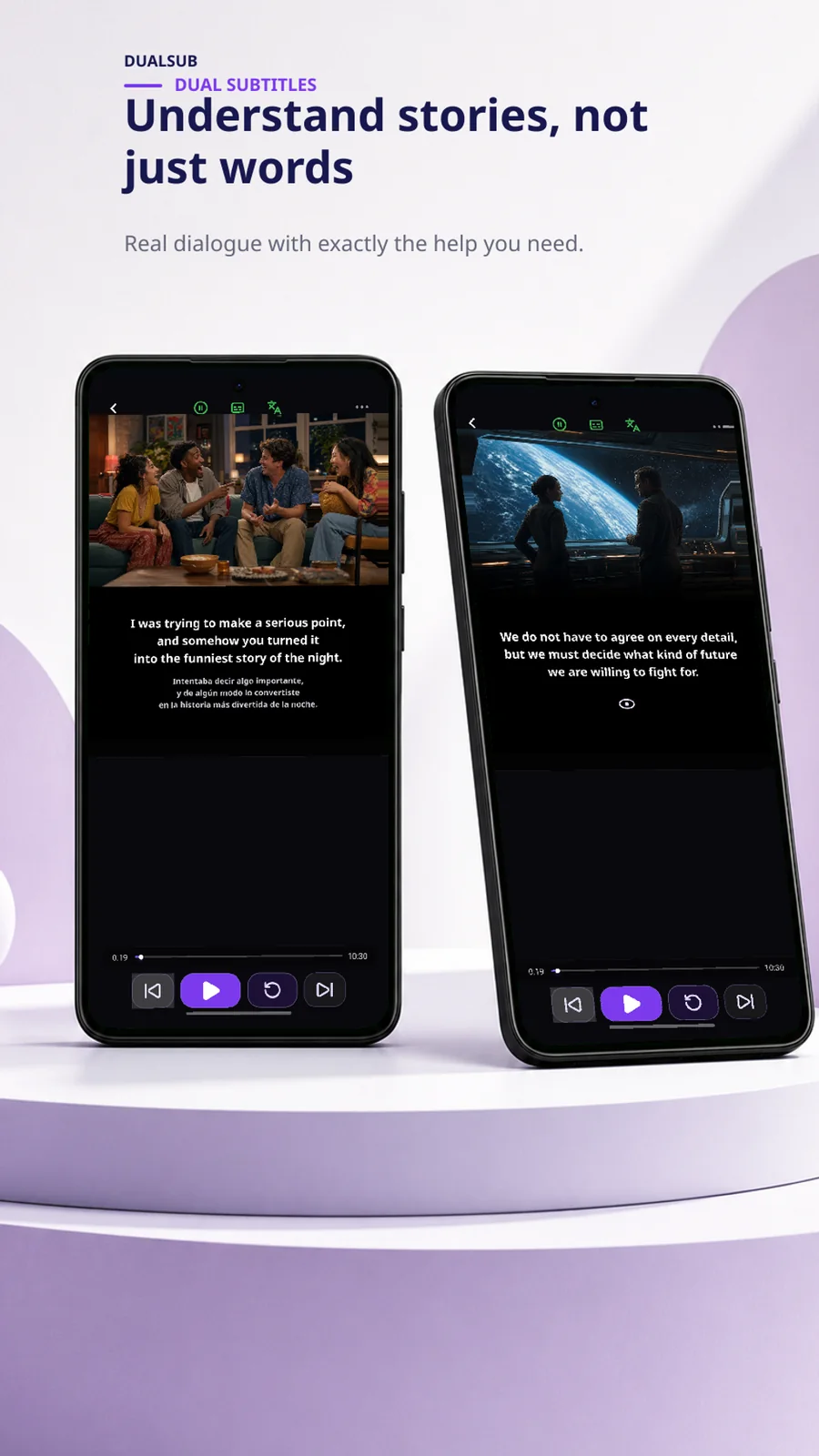
Reveal only the help you need.
Keep the original subtitle visible, blur or hide the translation, and reveal it when the line is genuinely difficult.
Learn with the videos you choose
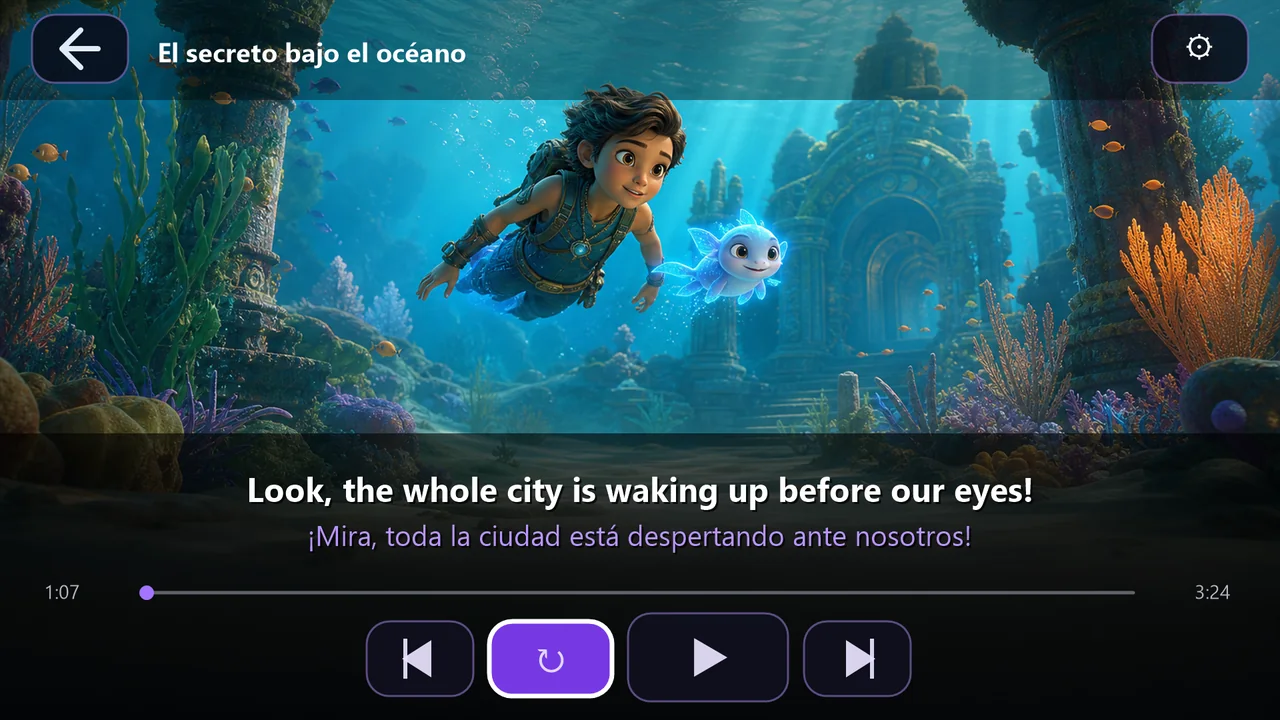
Control dual subtitles, replay the exact phrase you missed, understand words in context and review the vocabulary worth keeping.
Android phone and tablet. Premium accounts can link the Android TV app.
See the learning loop
DualSub keeps the learning tools close to the video, so a difficult phrase becomes something you can replay, inspect and remember.
Keep the original subtitle visible, blur or hide the translation, and reveal it when the line is genuinely difficult.
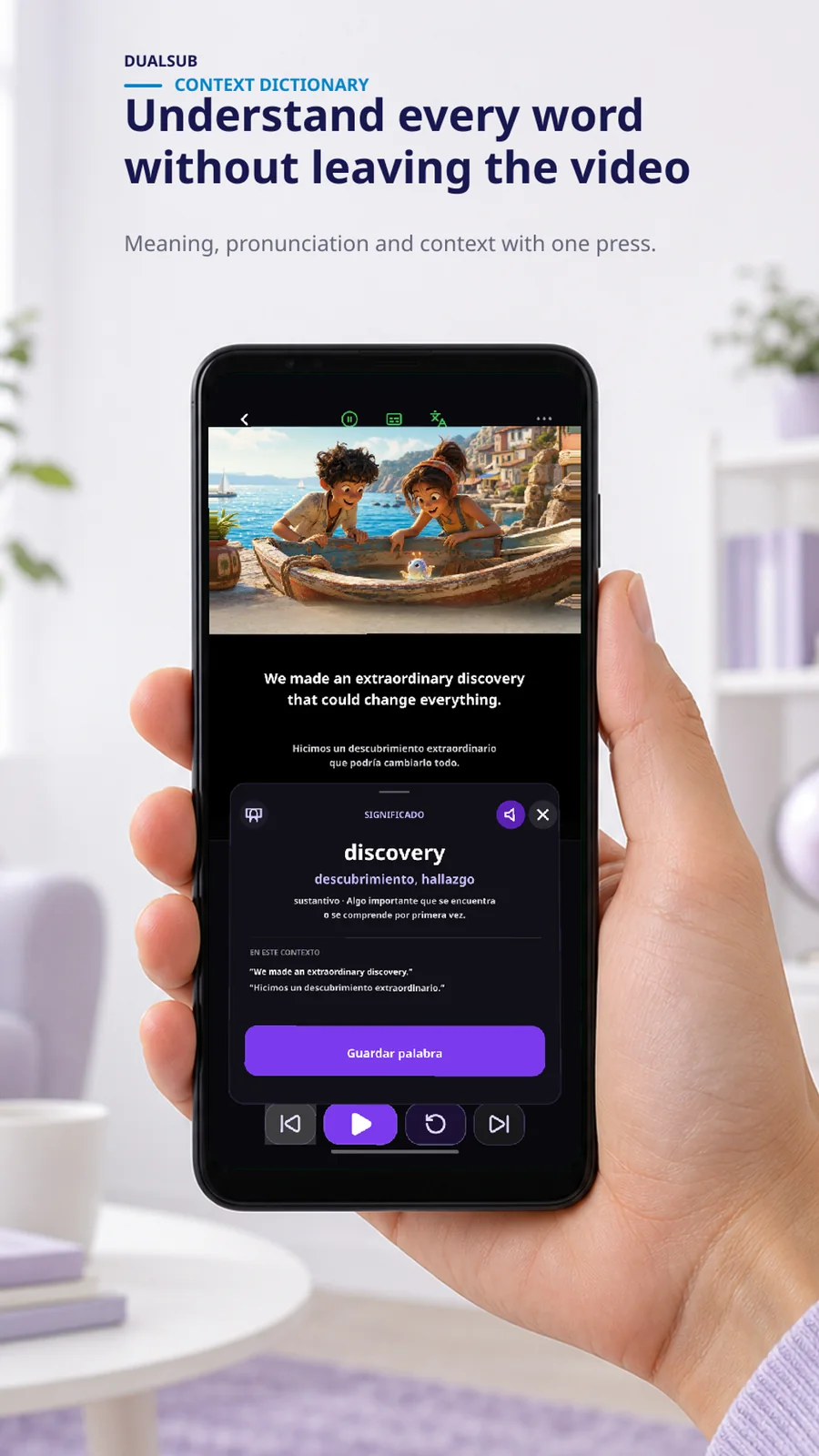
Press a subtitle word to open the contextual dictionary. Save the useful ones and continue the video without changing apps.
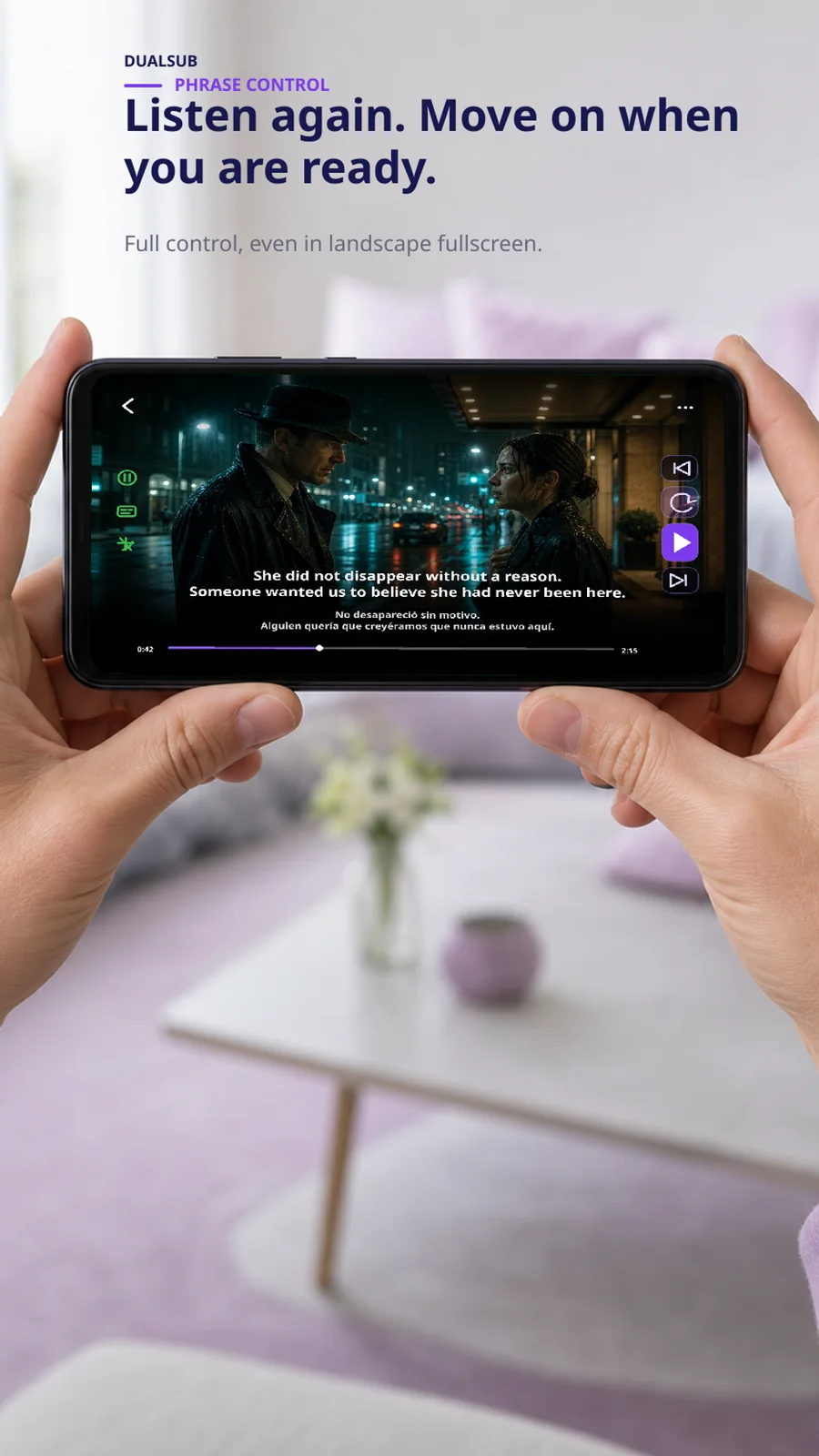
Use phrase controls and optional automatic pauses to work through fast dialogue without losing your place.
Bring your own compatible source
Search or open compatible videos and use DualSub's learning controls around the player.
Load a video from your device, select available tracks and study with dual subtitles.
Open links intentionally sent by another app. DualSub acts as the player, not as a content catalogue.
Link the TV app to a DualSub Premium account. The phone remains available as a companion for subtitle control and vocabulary lookup.
Clear expectations
No. DualSub does not provide a media catalogue, streams, movies, series, addons or subtitle files. Users choose a compatible YouTube video, local file or external playback link.
No. Playback and subtitle availability depend on the video owner and YouTube. DualSub reports when a video cannot be embedded or when usable subtitle tracks are unavailable.
No. Auto-pause is optional. You can watch continuously, repeat one phrase or navigate between subtitle segments when those controls are available.
Premium includes eligible cloud-assisted features and the ability to link the Android TV companion app. The exact offer is shown in the Android app before purchase.
Try the first learning loop on Android and decide whether DualSub fits the way you already watch videos.